
Vendor List
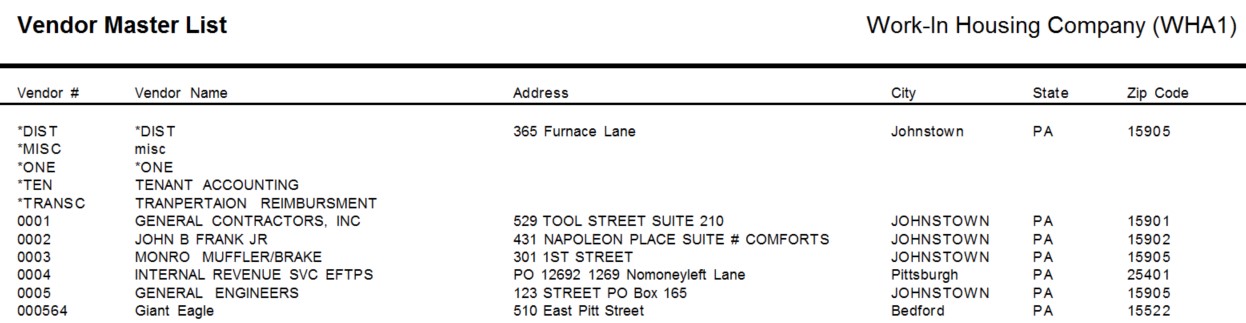
This list will display vendor information based on the selections. This report pulls information from the Vendor Maintenance - Vendor Master.
 NAVIGATION: LISTS menu > Vendor List
- Vendor Type
- Vendor type is a user assigned field in the Vendor Master.
- If you have assigned types to your vendors enter one here to pull a report by it.
- This field may be left blank to include all Vendor Types in the generated report.
- If Vendor Types have been setup in Global Table Maintenance and the descriptions are selected as the vendor Type in the Vendor Master; the Code, not the description is used in this report.
- Last Purchase After: enter or select a date to constrain the list to include vendors from whom purchases were made after the date entered.
- Active Only: Place a check mark in the box to restrict the list to vendors with a status of active.
- Sort Order: select one of the following to print out the vendor list by:
- Vendor Name Order
- Vendor Number Order
- Preview or print the report (see Report Preview, Print and Save Options)
- SAMPLE
12/2023